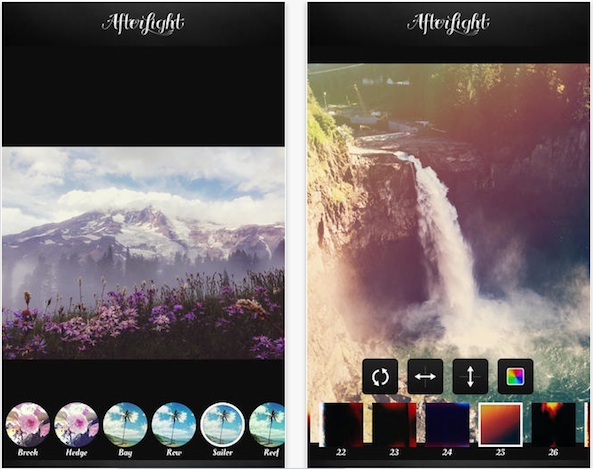
Afterlight by Afterlight Collective, Inc, an urban iPhone photographer’s dream app, was refreshed Thursday foriOS 8, bringing its set of accessible editing tools and powerful filters to the stockPhotosapp, while enabling manual camera control and additional perks.
Other new features in this release, which is available as a free update to those who’ve previously purchased the 99-centiPhoneandiPadapp, include the ability to share your fusion filters with friends via email, as well as native display support for theiPhone 6andiPhone 6 Plus.

To use Afterlight’s filters and editing tools such as crop, rotate and more without leaving the iOS Photos app, you must first enable the Afterlight extension.
To do so, open Photos, tap any photo, choose Edit and then hit the “…” icon. Now tap More and turn Afterlight on.
In addition to Afterlight,Taptaptap’s award-winning Camera+andProCamera by Cocologicstoday both received their iOS 8 focused updates with manual camera control and other new features.
In case you’ve been wondering, Apple’s iOS 8 update hasopened up manual camera controlsso people who build photography software can implement those features.
Here is what’s new in Afterlight 2.6:
Former iDownloadBlog writerAndrew Kunesh reviewed Afterlightback in July and immediately noticed that the software offers good value for money.
The app, he wrote, is packed to the gills with a huge library of filters and a ton of interesting editing features yet to be seen in other photography apps on iOS.
On the lookout for a new photography app?
Check out our list of the best iPhone photography filters and effectsorexplore our comprehensive resource for wannabe iPhone photographers.
The universal 66.3-megabyte app requires an iPhone, iPod touch or iPad running iOS 6.0 or later.
